
06 · Orders
Export orders The files for the accountant.
In ERAOrders › Export orders
Who uses itOrganizer
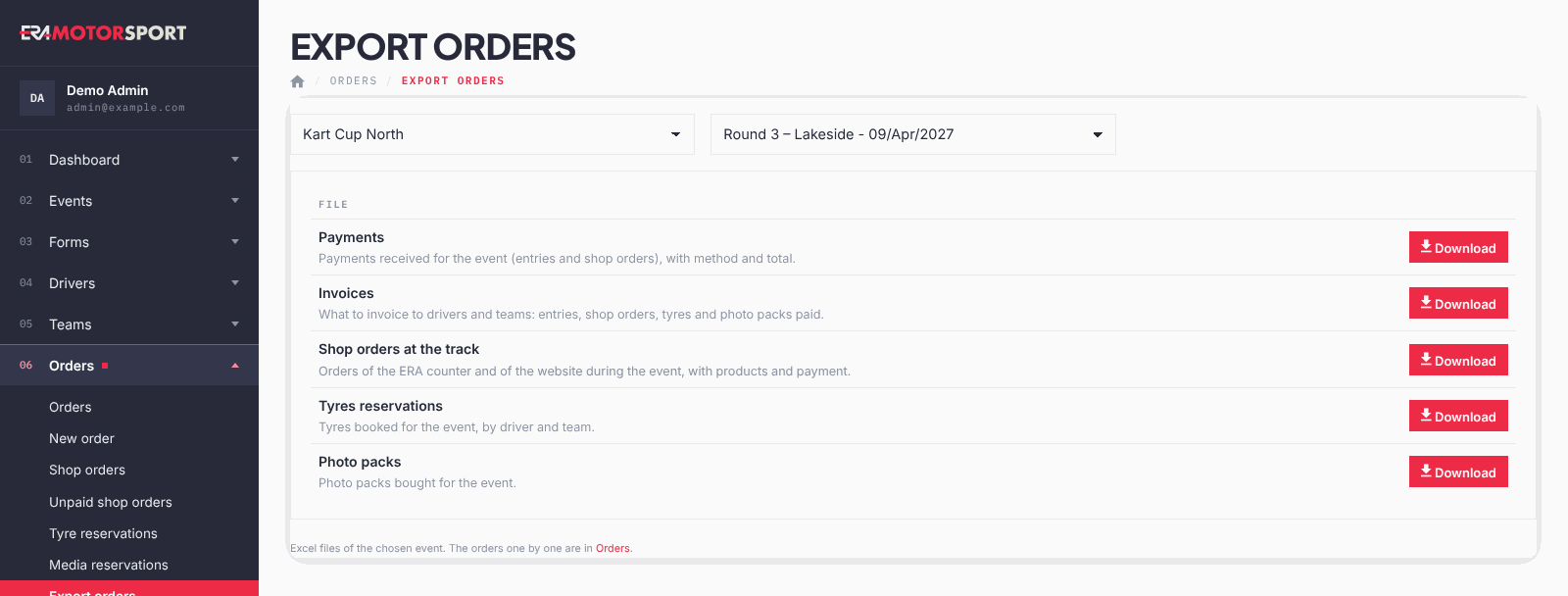
This page gives the Excel files of one event, one button each.
What it is for
After the event, use these files to check the cash count and to prepare the invoices. The downloads of Payments and Invoices are written in the Action log.
Step by step
- Open the page. Go to Orders › Export orders and choose the championship and the event.
- Download the payments. Payments: the shop orders of the event and the confirmed entries, with race number, date, customer, method, total and note. One payment that covers several entries (a team order, or one driver in several categories) is one line, with the race numbers together. Confirmed entries with no payment collected, such as free entries, appear with total 0.
- Download the invoices. Invoices: what to invoice to drivers and teams. See the rules below.
- Download the other lists. Shop orders at the track, Tyres reservations and Photo packs list the orders and reservations of the event.
What ERA checks
The Invoices file follows these rules:
- Only paid rows: paid shop orders, paid entries, confirmed tyre reservations and confirmed photo packs.
- Who pays is invoiced. A purchase or an entry order of a team is always invoiced to the team, with the invoicing data of its profile (Invoice to (first and last name), VAT number, Company address). The column "For_driver" names the drivers it was for.
- A driver is invoiced only if he asked for an invoice in his entry form for this event (or in his season pass), with the invoicing data written there.
- A team order of entries is one line for the whole order; the tyres of one team order are one line too.
- Photo packs are invoiced to drivers only.
Common problems
| What happens | What to do |
|---|---|
| A driver is missing from the invoices. | He did not ask for an invoice in his entry, or the row is not paid yet. |
| A team has no VAT number in the file. | Fill in the invoicing data in the Profile tab of the team card and download again. |
See also
Something does not match what you see in ERA? Write to us from the contact page.